
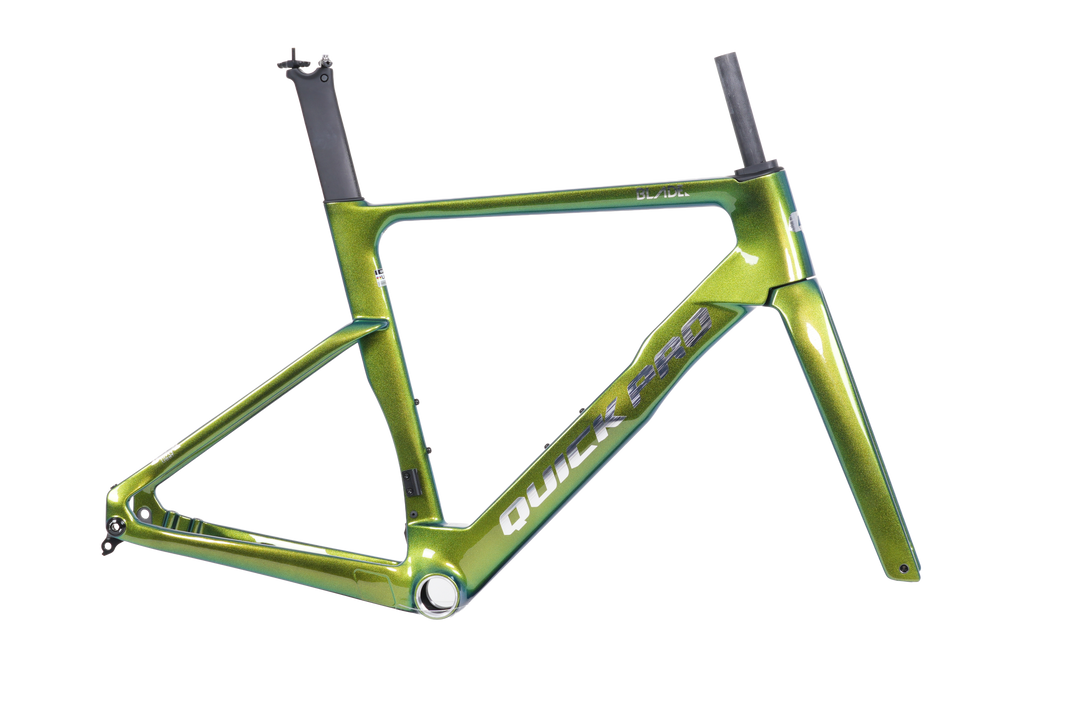
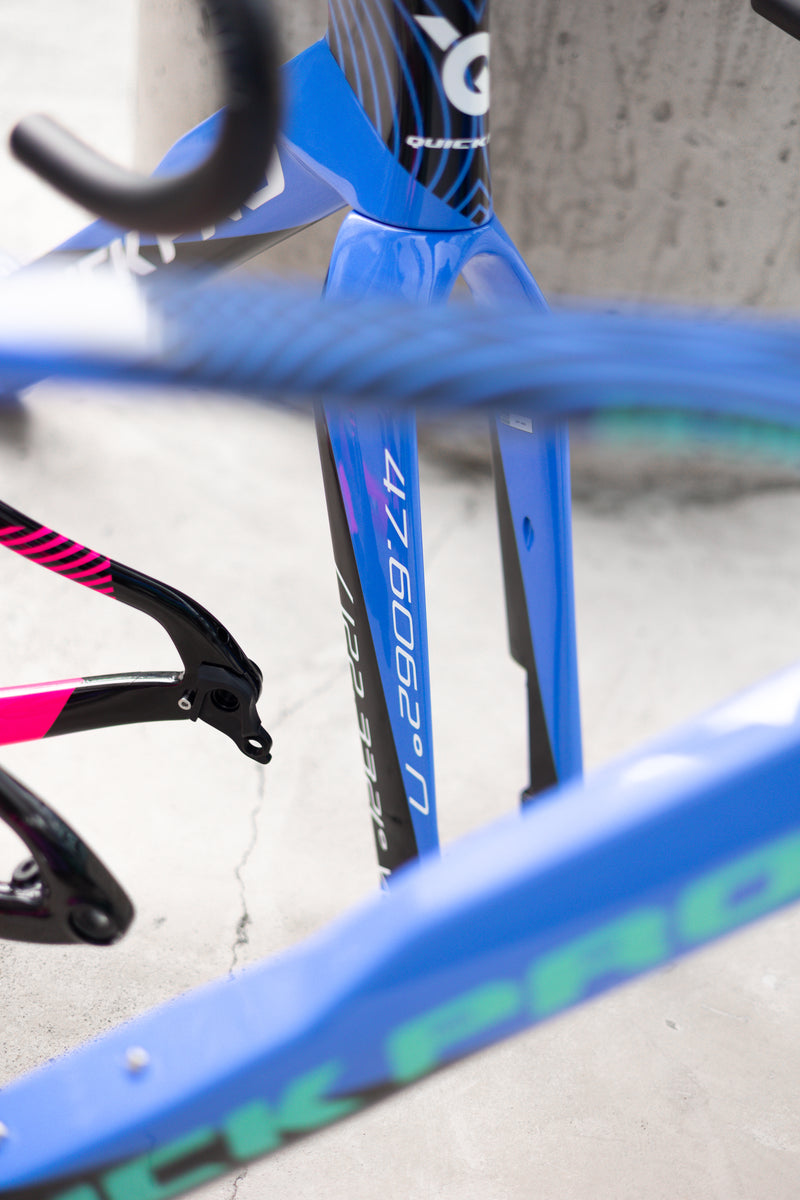
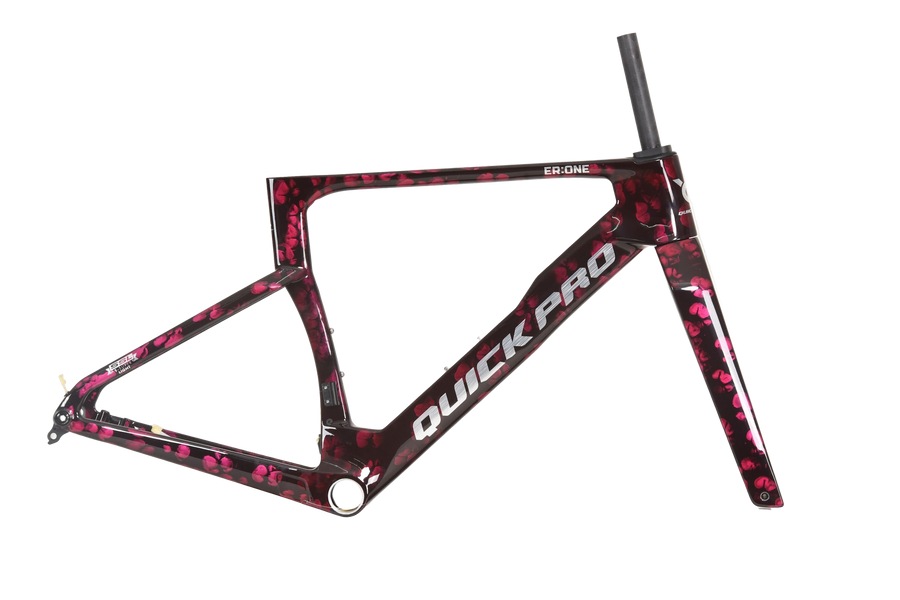
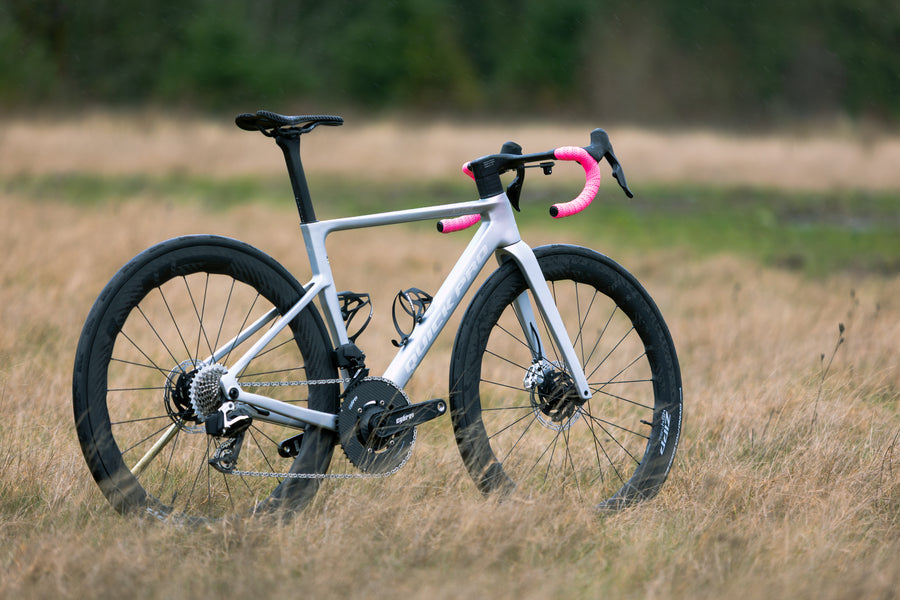



Option 1 - Popular Custom Colors
Option 1 allows you start with any standard color frame.
Once added to your cart, the custom color will override the
standard color and will be itemized as a Custom Color Fee.
1. Clicking on the CUSTOM tab at the top of the Quick Pro website.

2. Choose your frame.

3. Choose your color way.
Note: Your price is shown here for each colorway.

4. Check Out

Congratulations !
You just customized your frame!

Option 2 - Complete Custom...by YOU
Option2 is a fun way to fully customize your bike; from picking your groupset, to handlebar width, to wheels and even logo colors.
Let’s get started!
NOTE:
Complete Customization allows you start with any color frame.
Once added, the complete custom color will override the
standard color. This will be itemized as Custom Color Fee.
1. Let's start by choosing the bike you want to customize.
We're going to choose the AR:ONE with Shimano 105 Di2

2. Next, select all necessary elements to complete your bike.
NOTE: sections with a red asterisk are required.

3. Be sure to include any additional specification, in the comment section, that you’ll need to complete your bike. (eg. 165mm crank, -15° set back seat post…ect.)

4. Before adding to your cart, let’s CUSTOMIZE!
Click Customize Frame.

5. Choose from: Single Color, Two-Color, Three-Color or
Fully Customized, where you can upload your own ideas.
6. While you’re there, pick your logo style and logo color.

7. Next, choose your finish; Glossy or Matte.
8. Choose how you'd like your colors to fade.

9. Your choices will upload to the bike on the left, in real time as you mix and match your ideal colors and patterns.
WARNING - This section "may" consumes a large amount of time.

10. Once finished, add your design to the cart.
FANTASTIC! You bike looks AWESOME!

Option 3 - Custom Paint Program
Option 3 is a fun way to get a little crazy and think outside of the box. Imagine finding a color you really love and having your bike be that color.
Let’s give it a go.
1. Start by clicking on the CUSTOM link shown below.
2. Next, click on the blank frame that says, Custom Color Fee.

3. From here, upload your colors, patterns, design and let us
know how you'd like it all laid out in the comment section.
Feel free to give shout at custom@quickprousa.com for help.
We can't wait to see what you come up with!

Here are few color ideas to get you going.
https://coolors.co/palettes/popular/pantone


